 Subcut
Find the subscriptions you forgot you were paying for.
Upload a bank statement and Subcut pulls out every recurring charge in about a minute. No bank login. No account. Then cancel the ones you do not want with step by step guides for 800+ services.
Free to download. iPhone, iOS 17 and up.
Most of us are paying for at least one thing we would cancel if we remembered it.
The trial that auto renewed. The app you opened once. The price that crept up $3 without a word. None of it is big on its own. Together it is a real number, and it leaves your account every month whether you look or not.
Three steps, about a minute.
Bring it in
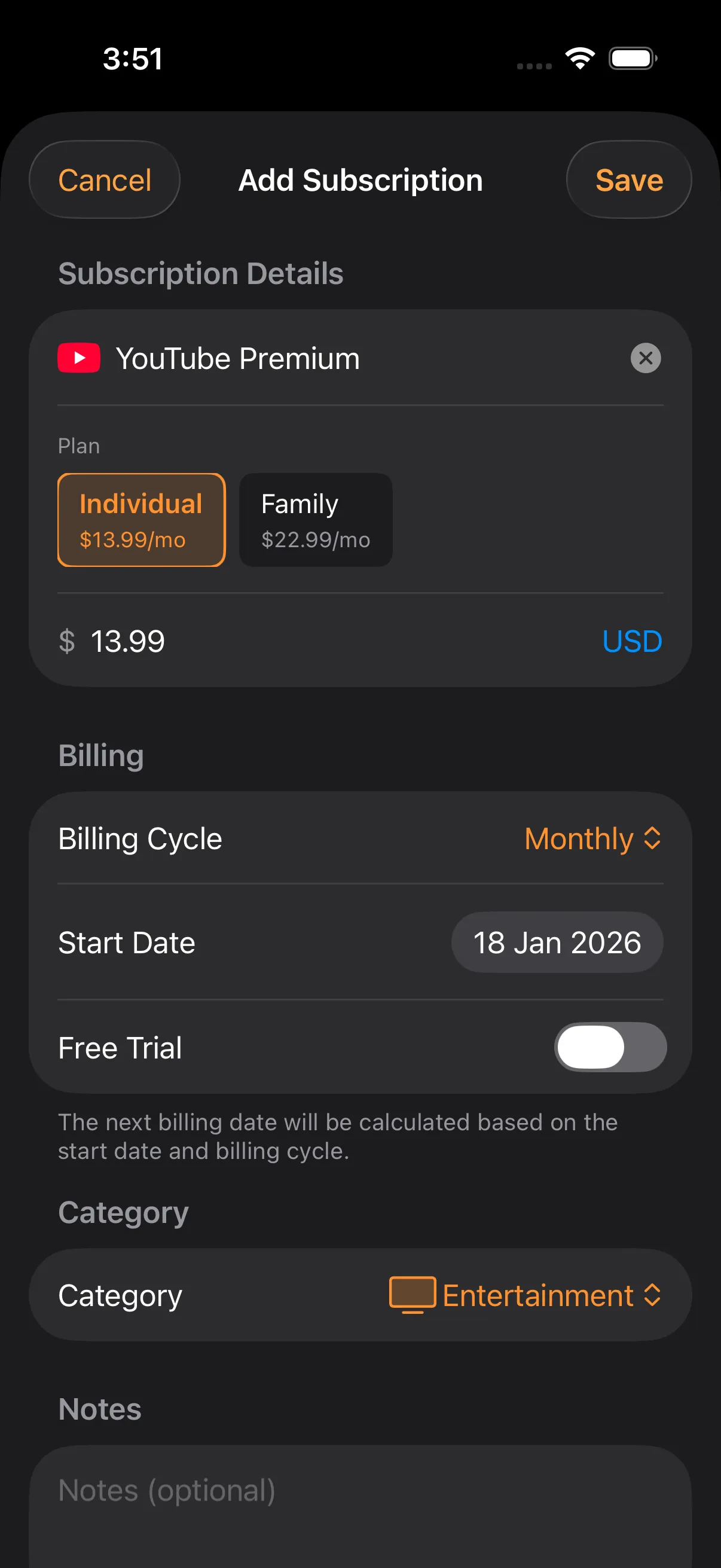
Add subscriptions from a bank or card statement (PDF or CSV), your Gmail receipts, or your App Store purchases. Subcut reads them and finds the recurring charges. No bank login, ever.
See the whole picture
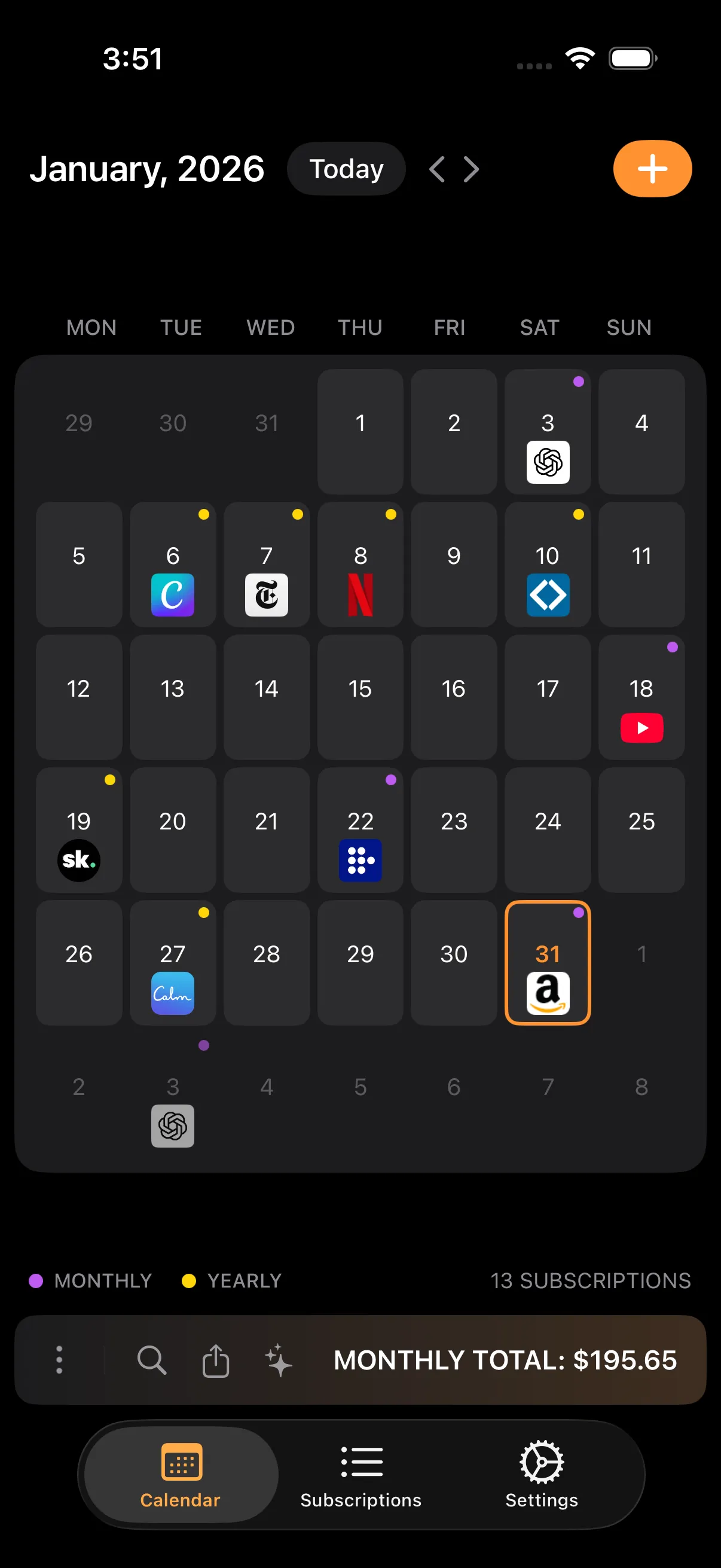
Everything lands in one calendar with your real monthly and yearly totals. Duplicates and soon to renew trials get flagged so nothing hides.
Cancel what you don't want
Tap a subscription for the exact steps to cancel it, with a direct link. Guides for 800+ services, so you actually cancel instead of meaning to.
Built to be looked at, not avoided.
The small things that make you actually open it every week.
Calendar view
Every renewal on one calendar. See what is due this week before it hits your card.
Reminders before you pay
A heads up before each charge, and an alert before a free trial turns into a bill.
Real totals
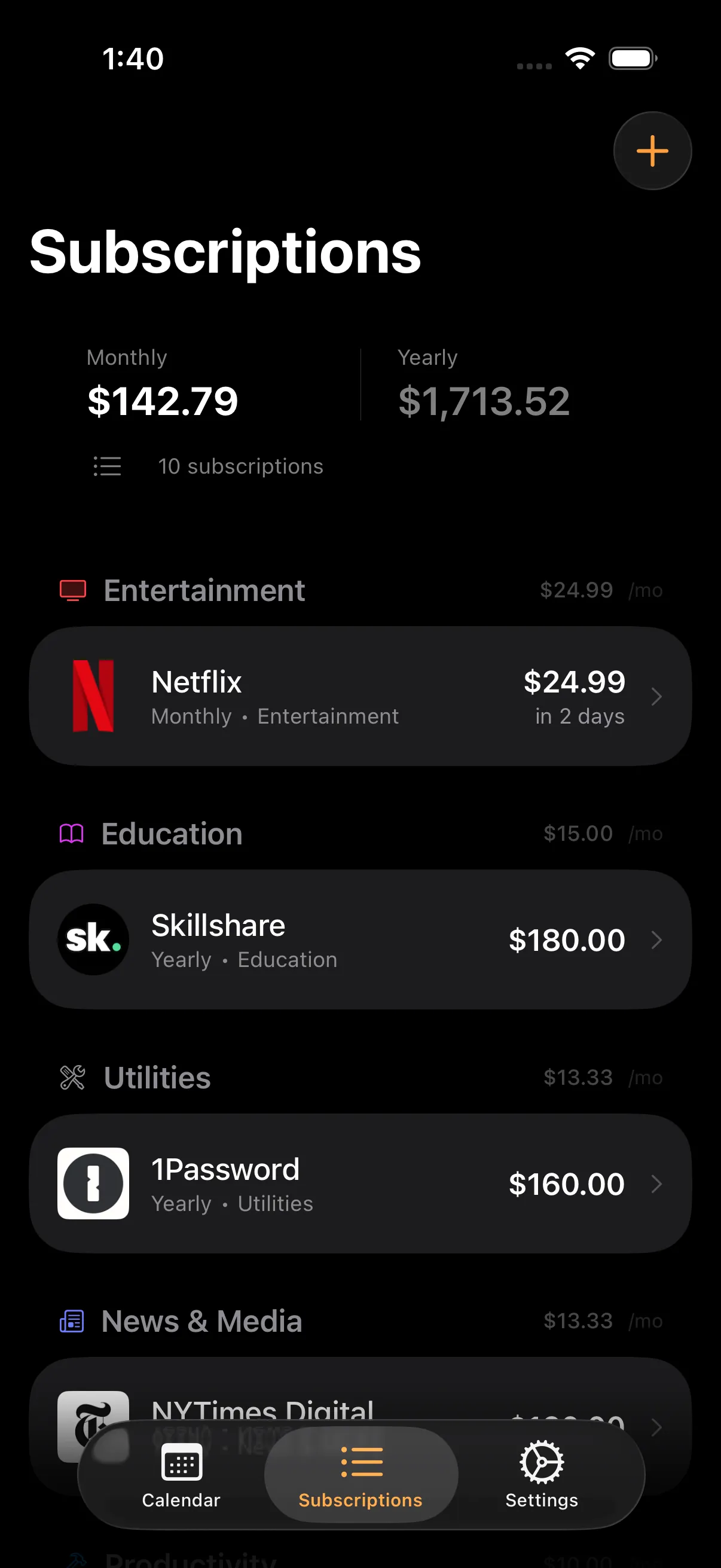
Your true monthly and yearly spend, with annual plans broken down to a monthly number.
Duplicate and trial detection
Catches the two music apps you forgot about and the trials about to renew.
Home screen widgets
Next payment and upcoming bills on your home and lock screen.
Face ID lock
Lock the app behind Face ID or Touch ID so your spending stays yours.
Private iCloud sync
Your subscriptions follow you across iPhone and iPad through your own iCloud.
Export your data
Send everything to CSV or JSON for your own spreadsheet or budget tool.
Tracking is easy. Cancelling is the hard part.
Some services let you leave in three taps. Others bury it, make you call, or try to charge you on the way out. Subcut has the steps for both kinds.
- Step by step guides for more than 800 services
- Direct links straight to the cancel page
- Difficulty and time so you know what you're in for
- Notes for the ones that fight you on the way out
 Netflix EASY
  Spotify EASY
  Paramount+ EASY
  Audible TRICKY
  Peloton TRICKY
 Honest about where your data goes.
No "military grade" hand waving. Here is exactly what happens.
Your list stays yours
Your subscriptions are stored on your iPhone and sync through your own private iCloud, encrypted by Apple. No account. We never see them.
Processed, then deleted
Imports are processed securely to find your recurring charges, then deleted right after. Nothing is saved, and nothing is tied to an account.
What we don't do
We never ask for your bank login, never show ads, never track you across apps, and never sell your data. There is nothing to sell because there is no account.
Start free. Upgrade if it earns it.
- Track up to 5 subscriptions
- Calendar, reminders and widgets
- Categories and notes
- Private iCloud sync
- Statement and email import
- Data export
- Unlimited subscriptions
- Bank statement import (PDF and CSV)
- Email receipt import
- Custom reminder timing
- Export to CSV and JSON
- Priority support
The honest answers.
Is it free?
Do I need to connect my bank?
How does import actually work?
Where is my data kept?
Can it help me actually cancel?
Know what you're actually paying for.
Plain, sourced guides on finding charges, decoding cryptic statement names, and actually cancelling. Every number cited.
Stop paying for things you forgot about.
It takes a minute to see the whole list. Cancelling the first one usually pays for the year.